How it works
Pick a meme
Choose the format that fits your point. Each one is built around a real outreach feeling.
Upload your photo
Use a clear, front-facing photo with good lighting. Attach it to your image tool along with the prompt.
Swap the brackets
Change the parts in [square brackets]: your caption, outfit and details. Generate, check the spelling, post.
01 / 04
The Graveyard
Best for: Follow-ups that never got a reply.
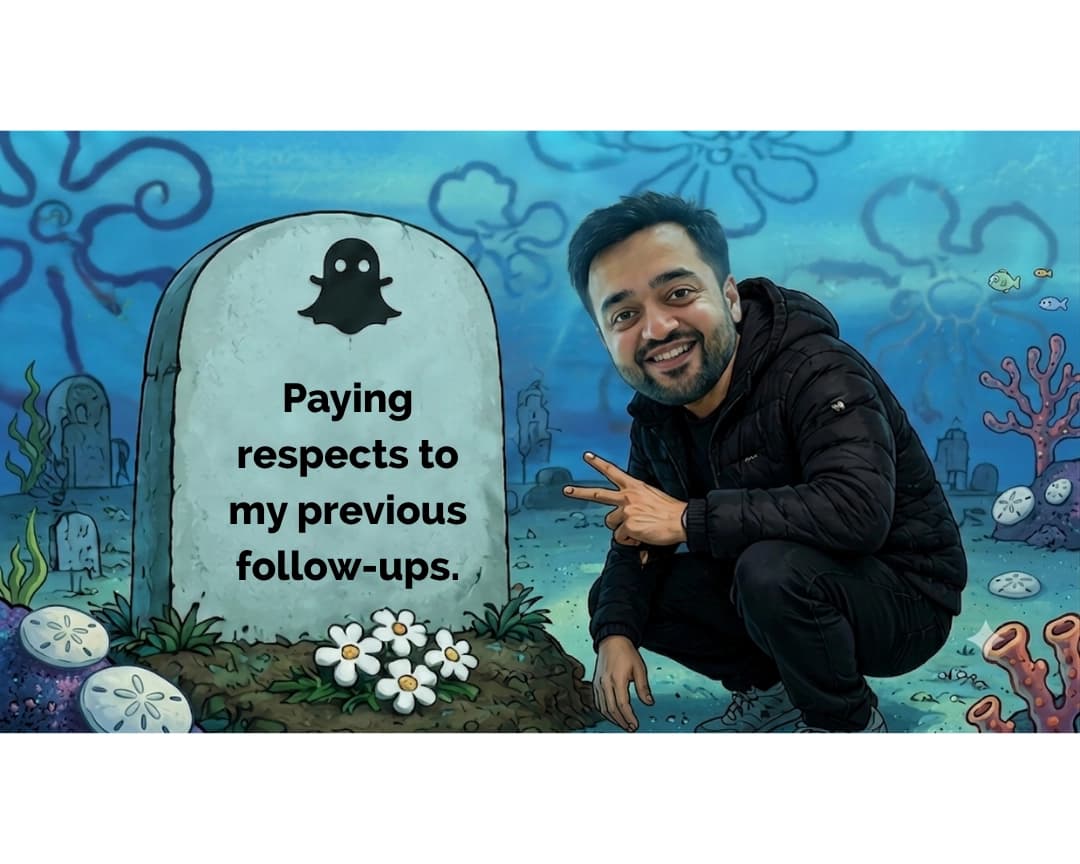
Using my uploaded photo as the face reference, create a meme-style image.

Scene: an underwater cartoon seabed graveyard in a classic animated sea-cartoon style, with painterly blue-teal water, coral, sand dollars and faint outlined flower-shaped clouds in the background.

A large rounded tombstone sits on the left with a small black [ghost icon] on top and the text “[your caption, e.g. Paying respects to my previous follow-ups.]” in bold black sans-serif, centred. A small patch of white flowers sits at its base.

I am crouching beside the tombstone on the right in a [black puffer jacket], smiling and making a peace sign at the camera.

Keep my face realistic and recognisable while the rest of the scene stays cartoon. Add a white bar above and below the image so it fits a 4:5 frame.
Swap: ghost icon, caption, jacket
02 / 04
The Reject and Approve
Best for: Two ways of saying the same thing, where one clearly wins.
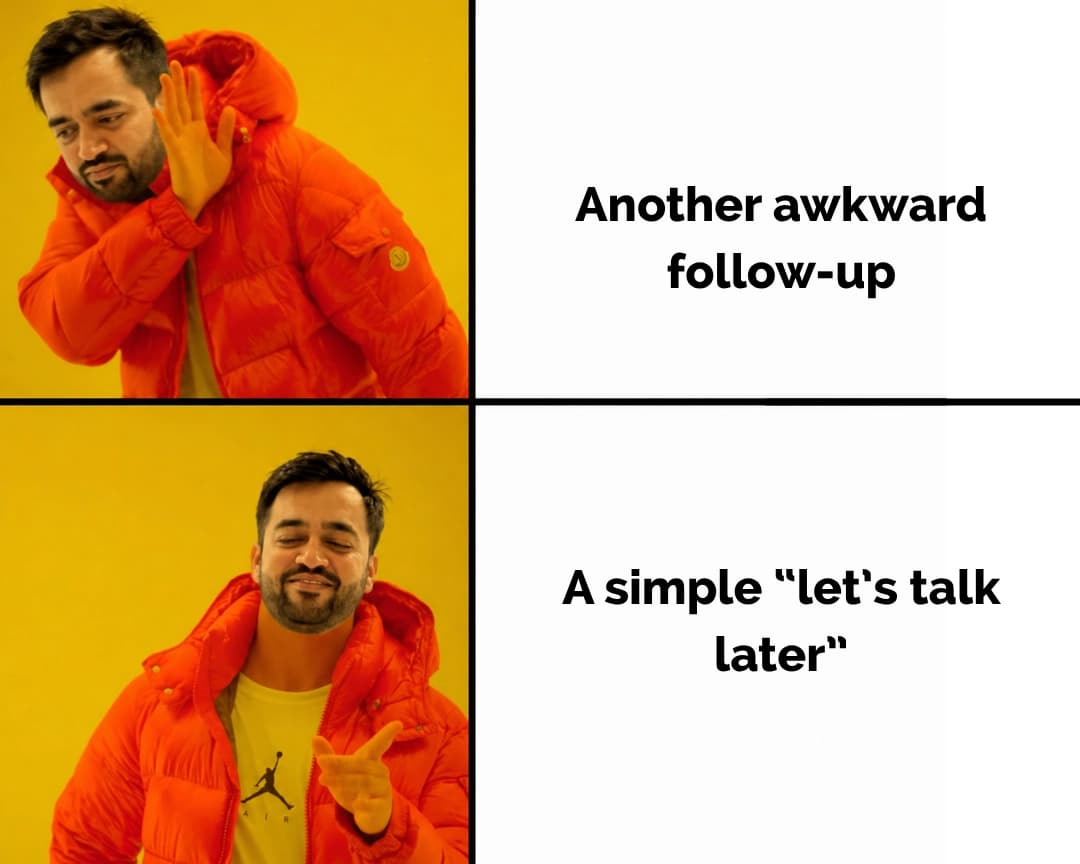
Using my uploaded photo as the face reference, create a two-panel vertical meme in the classic “reject and approve” format.

Left column: two photo panels on a bright yellow background, with me wearing a [bright orange puffer jacket]. Top panel: I look away with a hand raised in rejection. Bottom panel: I smile with my eyes closed and point approvingly at the camera.

Right column: two white panels separated by thick black lines, each with centred bold black sans-serif text.
Top text: “[the thing you reject, e.g. Another awkward follow-up]”
Bottom text: “[the thing you prefer, e.g. A simple “let’s talk later”]”

Clean, high contrast, square format.
Swap: jacket, rejected line, preferred line
03 / 04
The Astronaut
Best for: The message that disappeared into the void.
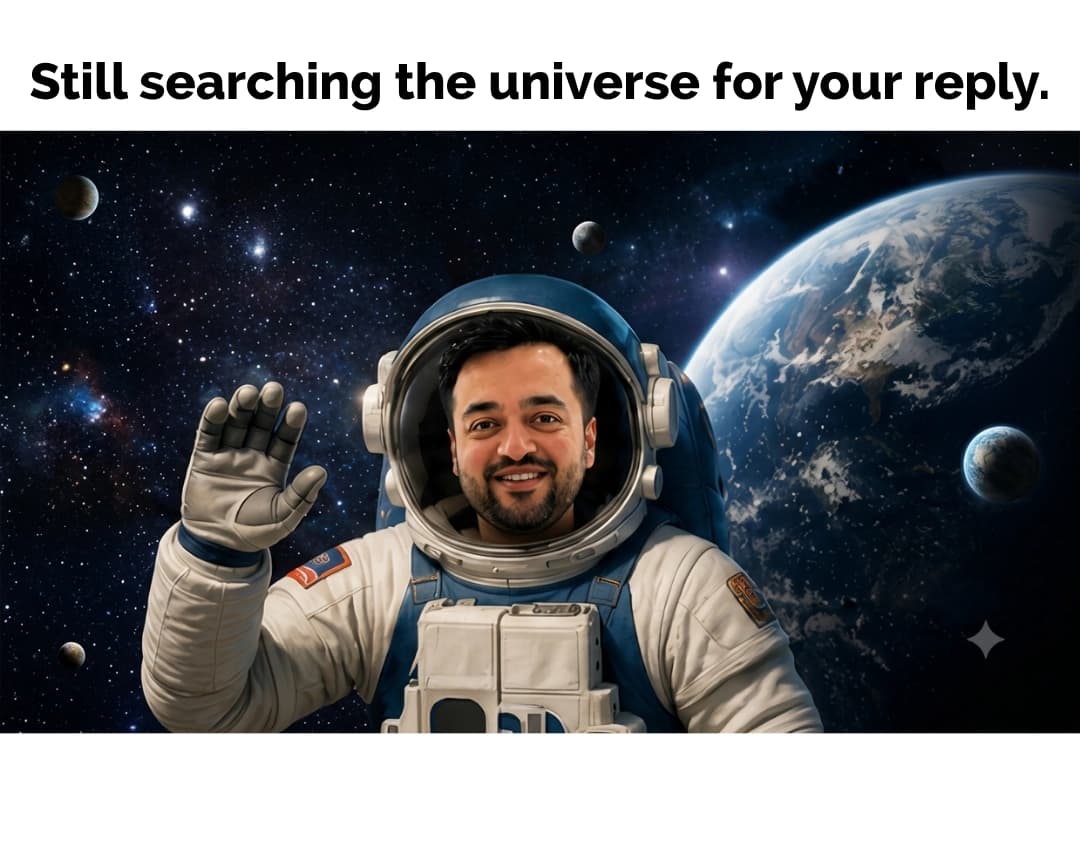
Using my uploaded photo as the face reference, create a meme image.

I am an astronaut in a [white and blue] spacesuit, waving one gloved hand, my face clearly visible through the helmet visor with a friendly smile.

Background: deep space with stars, small distant planets and a large Earth on the right. Realistic, cinematic style.

Above the image, add a plain white banner with the text “[your caption, e.g. Still searching the universe for your reply.]” in bold black sans-serif, centred on one line.

Landscape image placed inside a 4:5 frame with white space above and below.
Swap: caption, suit colours, background
04 / 04
The Conspiracy Board
Best for: When the numbers make no sense.
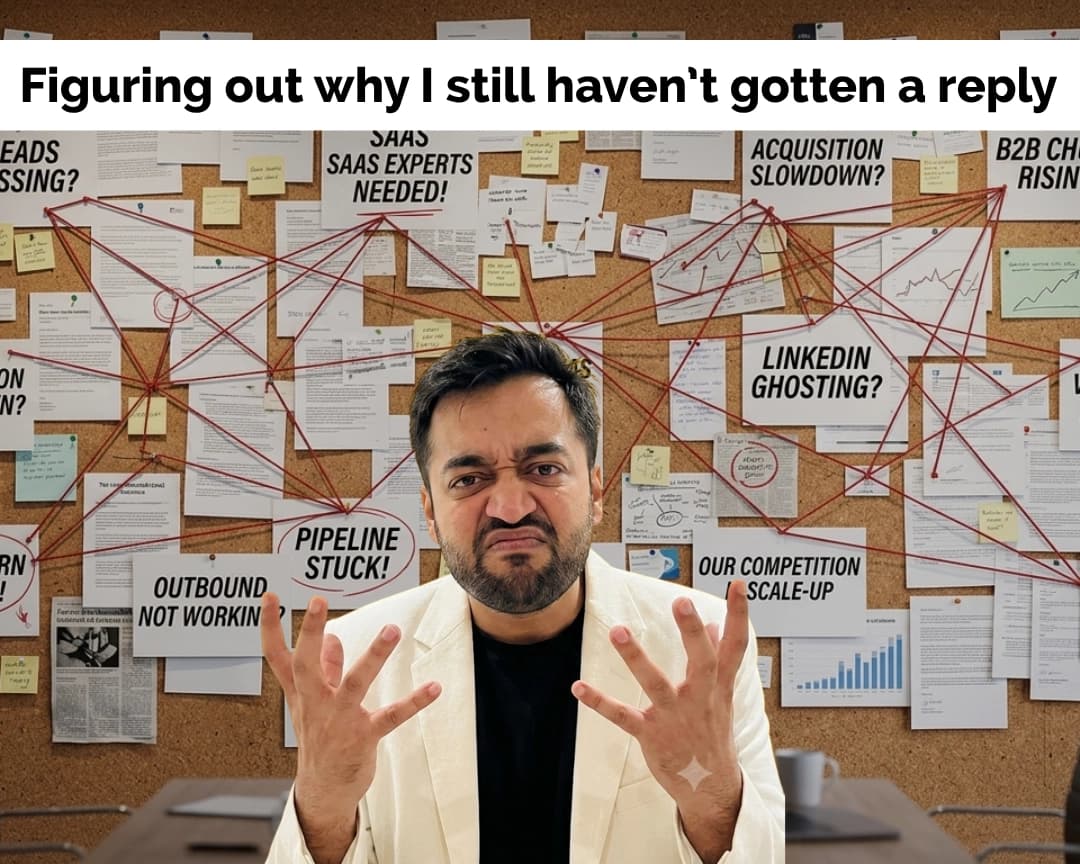
Using my uploaded photo as the face reference, create a meme image.

Background: a cork board covered in pinned printouts, sticky notes, charts, newspaper clippings and red string connecting them all. Add bold headline cards reading “[problem 1, e.g. Pipeline stuck!]”, “[problem 2, e.g. LinkedIn ghosting?]”, “[problem 3, e.g. Outbound not working?]” and “[problem 4]”.

In the foreground, me in a [white blazer over a black t-shirt], looking frustrated and confused with both hands raised in front of my face and eyebrows furrowed. A table with a coffee mug sits behind me.

Above the image, add a white banner with the text “[your caption, e.g. Figuring out why I still haven’t gotten a reply]” in bold black sans-serif.

Portrait 4:5 format.
Swap: headline cards, outfit, caption
Before you generate
- Use a sharp reference photo. Front-facing, good light, no sunglasses. It keeps your face recognisable across every format.
- Keep the caption short. One line where possible. Short text is far less likely to come back misspelled.
- Check the text every time. Image tools slip on spelling. Read the caption before you post, and regenerate if needed.
- Stay consistent. The same banner style and bold black font across every meme makes your feed look like a series.
Keep the momentum going
LinkedIn Content-to-Calls Starter Kit
Post templates, CTAs and a 10-minute daily routine.
How to Write a LinkedIn Hook
Six patterns for the first line of every post.
LinkedIn Hook Grader
Score your opening line before you post it.
Cold Email Follow-Up Sequence
What to send when the first email gets no reply.
Let's break it down for your business.
Follow along for more AI tools and growth systems for B2B teams, or book a free strategy call and we'll break it down for your business.
founder@myntmore.com
Tejas Jhaveri is a 4x entrepreneur, TEDx speaker and angel investor. He built the D2C brand Flintstop to 8,000 orders a day before selling it in 2020, and now leads Myntmore, a B2B outbound agency. He has taught B2B growth methodologies at IIT and IIM.